Dashboard & Overview Stats
Overview
Section titled “Overview”Invoice Manager’s home dashboard (/flow) gives a live snapshot of AP and AR work. It is not a full BI reporting suite — use it for daily orientation, then jump into In Docs or Out Docs for the work queue.
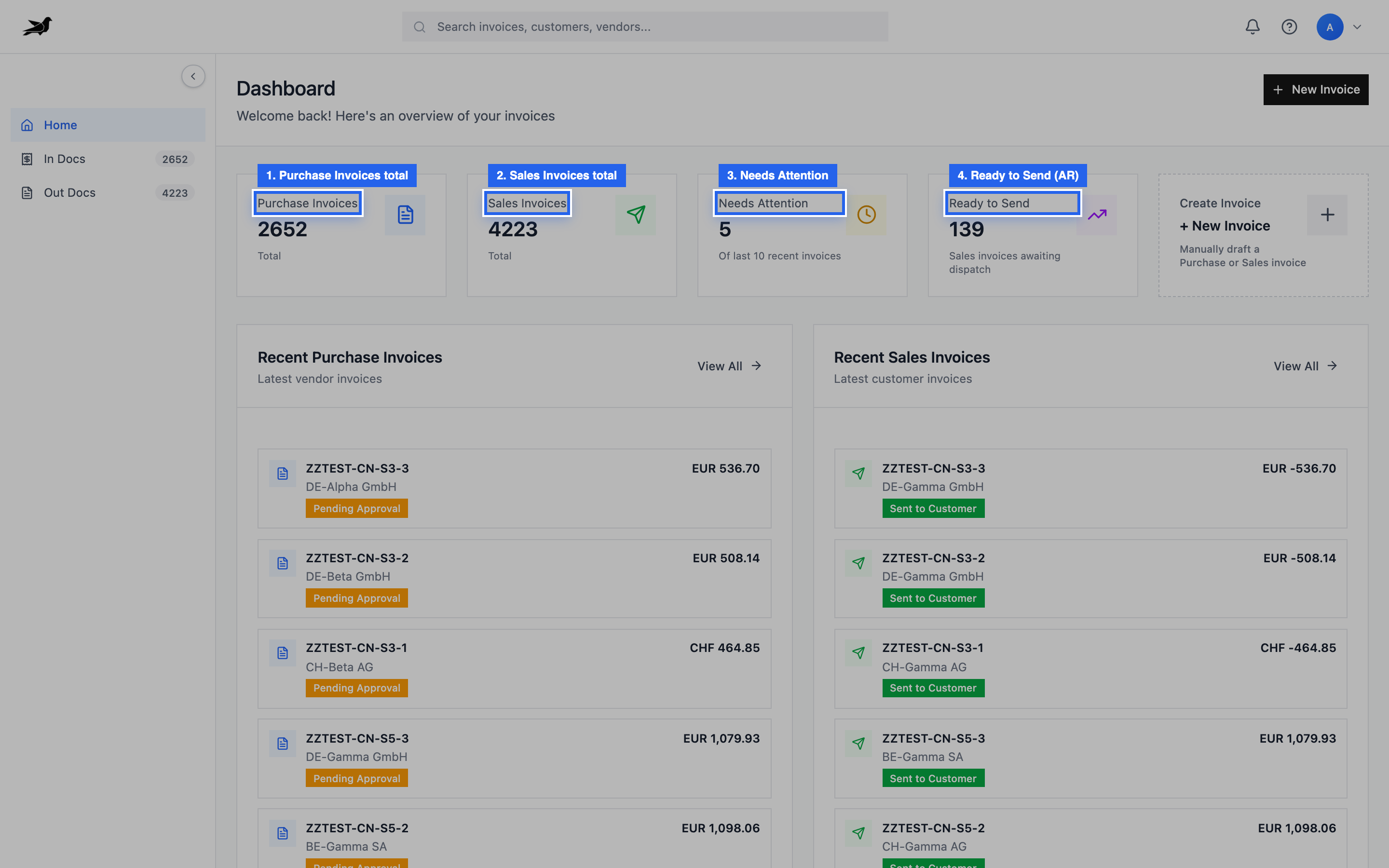
Cards: Purchase Invoices, Sales Invoices, Needs Attention, and Ready to Send (AR).
What you see on the home dashboard
Section titled “What you see on the home dashboard”| Card / section | Meaning |
|---|---|
| Purchase Invoices | Total count of purchase invoices visible to you |
| Sales Invoices | Total count of sales invoices visible to you |
| Needs Attention | Sample of recent invoices in review/approval-style states |
| Ready to Send | Sales invoices in Ready to Send (AR action queue) |
| Recent purchase / sales lists | Latest documents with workflow badges |
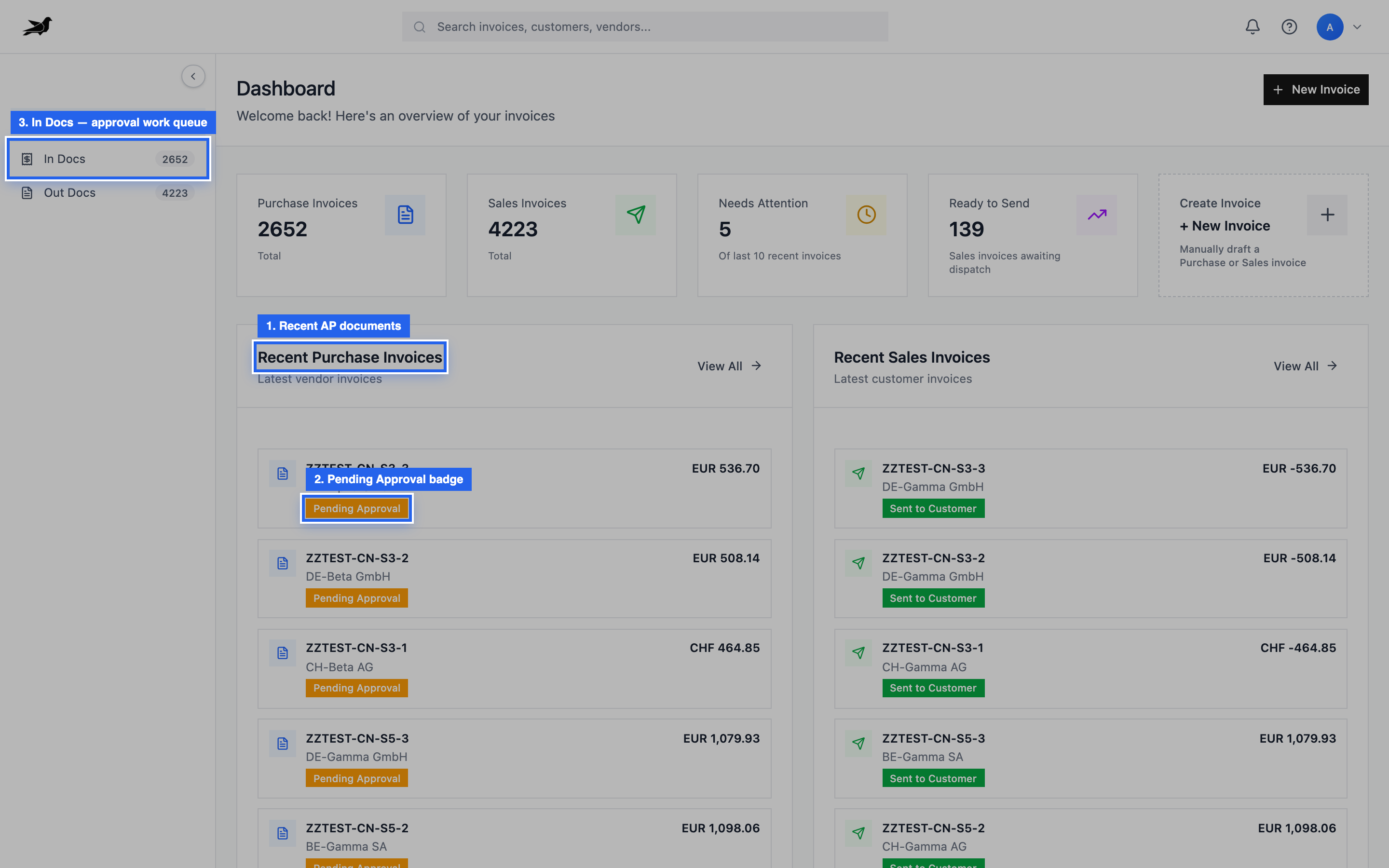
Recent purchase invoices surface Pending Approval and other badges; open In Docs for the full AP/approval queue.
Counts respect your Legal Entity permissions.
Getting to real work
Section titled “Getting to real work”| Goal | Go to |
|---|---|
| Process vendor invoices | In Docs |
| Approvals | In Docs filtered by Pending Approval (or Kanban) |
| Create or send customer invoices | Out Docs |
| Ready-to-send AR queue | Filter Out Docs by Ready to Send or use the dashboard card |
See Approval Queue Overview for manager decision work.
What is not a product report today
Section titled “What is not a product report today”Tapr does not currently ship a separate analytics module with historical SLA charts, scheduled PDF reports, or invented KPI dashboards. If you need formal reporting:
- Export or query invoices via ERP after posting/fetch
- Use Frappe desk reports on Purchase / Sales Invoice where available
- Pull data via REST API into your BI tool